The YouTube Study Problem
YouTube is the world's largest classroom. There are over 500 million educational videos — from Khan Academy to MIT OpenCourseWare to random professors who record 3-hour organic chemistry lectures.
The problem? Watching ≠ Learning.
You watch a 2-hour lecture, scribble half-sentences into a notebook, and by the next day you've forgotten 80% of it. Sound familiar? That's the Ebbinghaus Forgetting Curve at work.
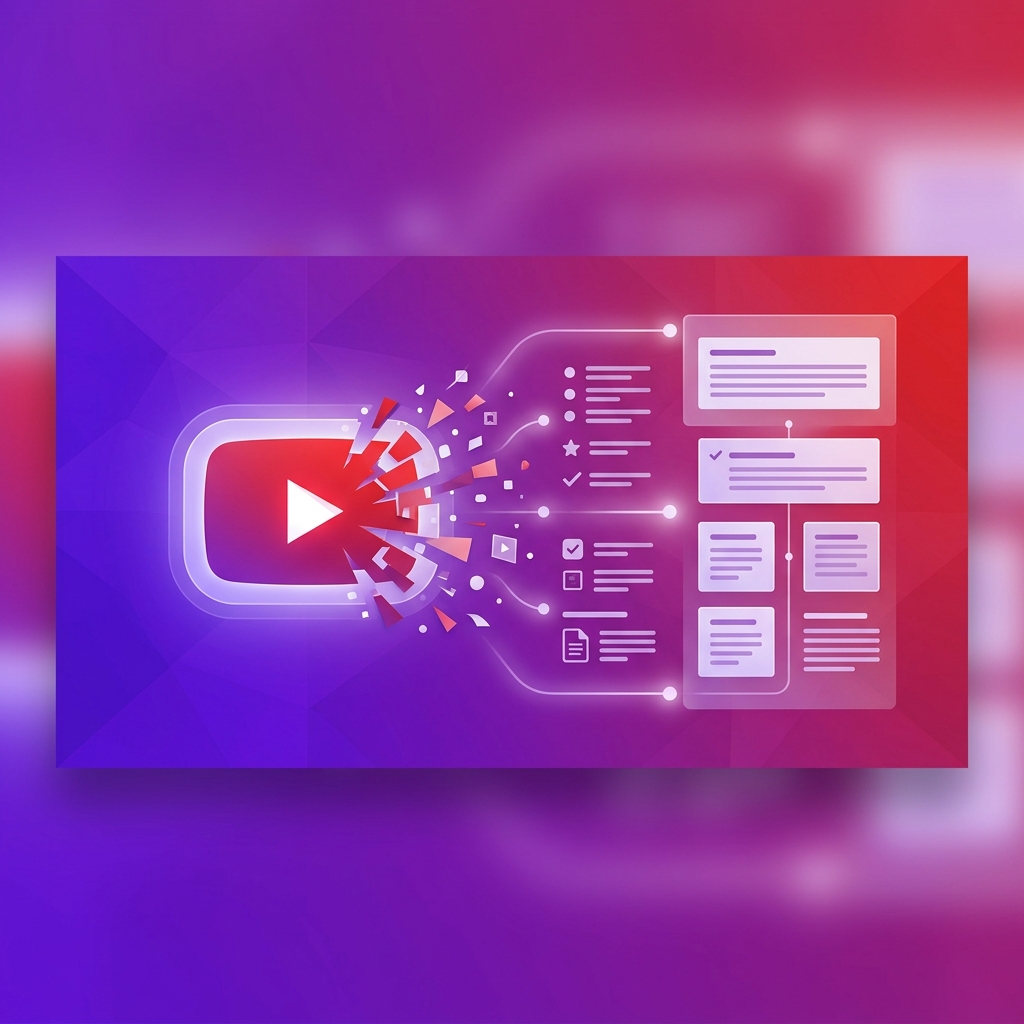
YouTube to Notes AI solves this by extracting the transcript from any video and converting it into structured, study-ready notes automatically.
Stop pausing and scribbling. Convert your first YouTube video to notes for free →
How YouTube-to-Notes Works
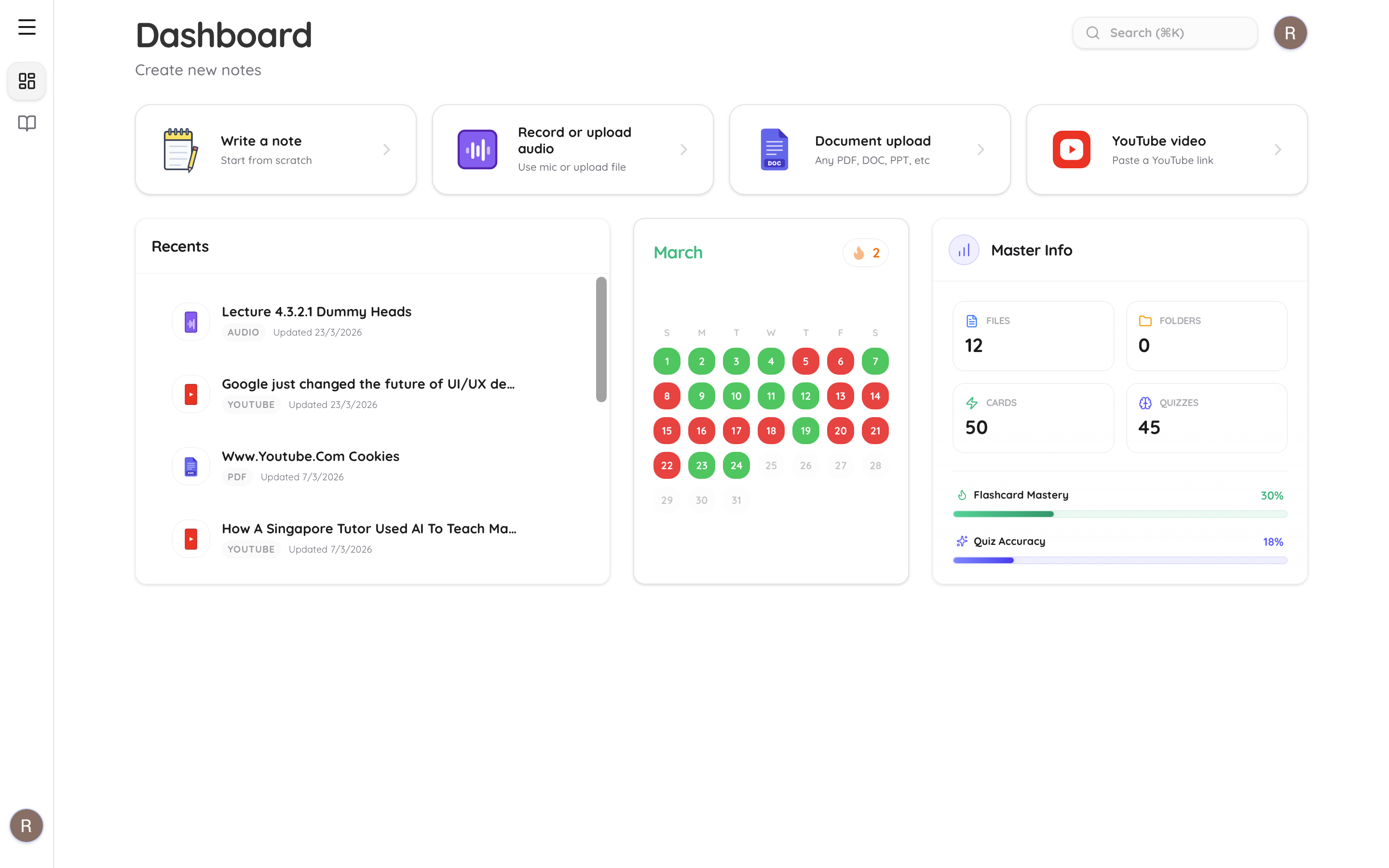
Step 1: Paste the YouTube Link
Copy the URL of any YouTube video and paste it into Atlas AI. That's it — no downloads, no extensions, no plugins.
Step 2: AI Extracts the Transcript
Atlas AI pulls the video's transcript (auto-generated or manually added captions) and processes it through our semantic analysis engine. This isn't just a raw transcript dump — the AI:
- •Identifies topic boundaries — separates chapters and sections
- •Extracts key concepts — definitions, formulas, important facts
- •Removes filler — "um," "uh," repetitions, and off-topic tangents
- •Structures the output — clean headings, bullet points, and highlights
Step 3: Review Your Structured Notes
You get clean, formatted notes you can actually study from — not a wall of unformatted transcript text. Read our full guide on how AI note-taking works.
Step 4: Generate Flashcards & Quizzes
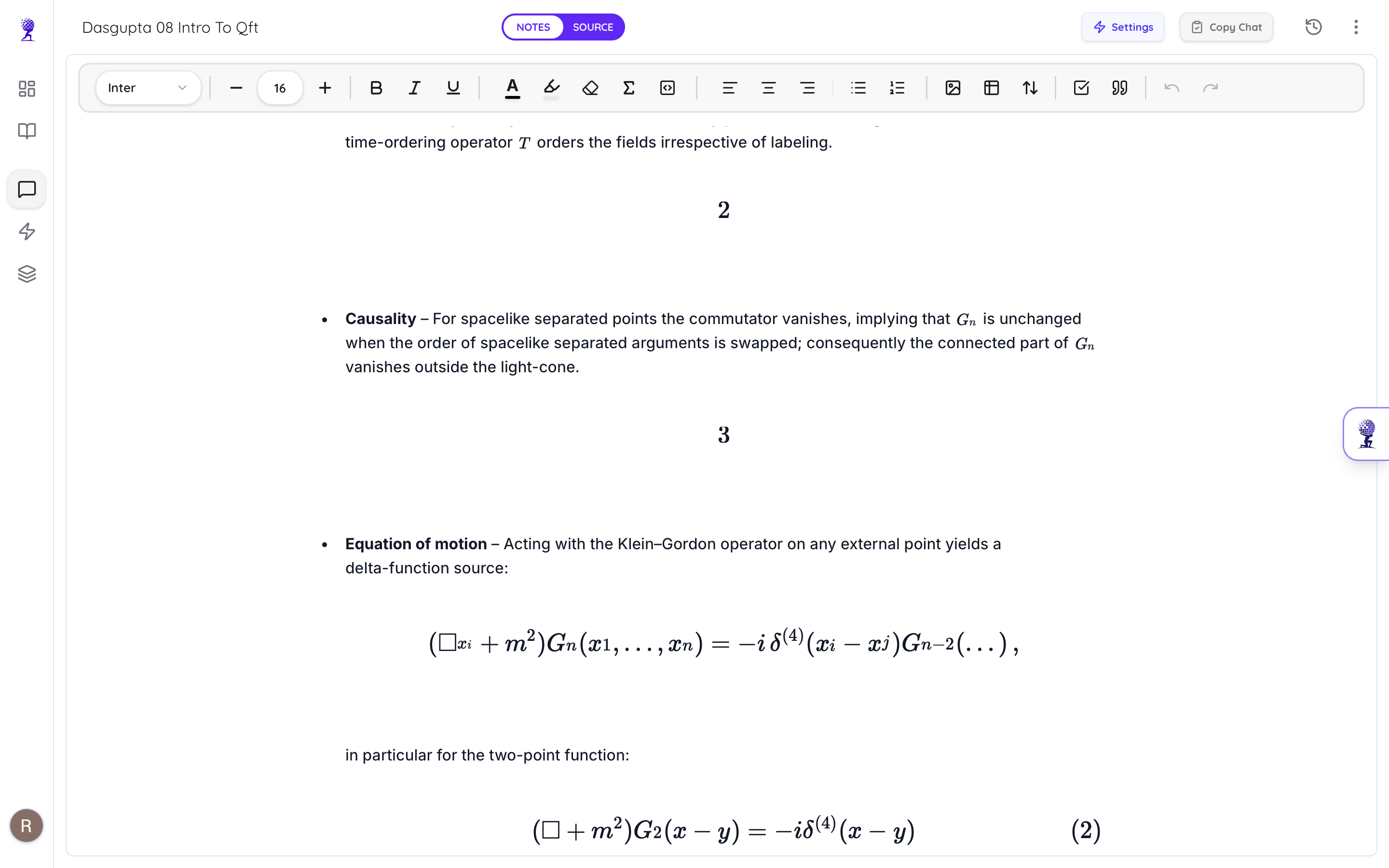
From those same notes, Atlas AI can instantly generate:
- •AI flashcards with spaced repetition
- •Practice quizzes with explanations
- •AI chat — ask questions about the video and get cited answers
What Types of YouTube Videos Work Best?
| Video Type | Quality | Tips |
|---|---|---|
| University lectures | ✅ Excellent | Works best with auto-captions enabled |
| Khan Academy / edu channels | ✅ Excellent | Clean transcripts, structured content |
| Conference talks | ✅ Good | May need transcript cleanup |
| Tutorial / how-to | ✅ Good | Step-by-step structure converts well |
| Podcast-style | ⚠️ Decent | Conversational format = less structured |
| Music/entertainment | ❌ Poor | Not designed for educational content |
The Active Studying Workflow
Here's how top students use YouTube-to-Notes for maximum retention:
- •Paste the link into Atlas AI — let it process
- •Read the structured notes before watching the video
- •Watch the video while following along with notes — highlight what's new
- •Generate flashcards from the notes
- •Take a quiz to test yourself with active recall
- •Review flashcards at spaced intervals
This transforms passive YouTube watching into a complete study system.
Why Not Just Watch the Video?
Because watching isn't studying. Research shows:
- •Passive watching retention: ~10-20% after 24 hours
- •Active recall + spaced repetition retention: ~90%+ after 30 days
The YouTube-to-Notes pipeline gives you the raw material for active studying — flashcards, quizzes, and referenced notes — from content you were going to watch anyway.
Turn any YouTube video into a complete study guide. Try it free →