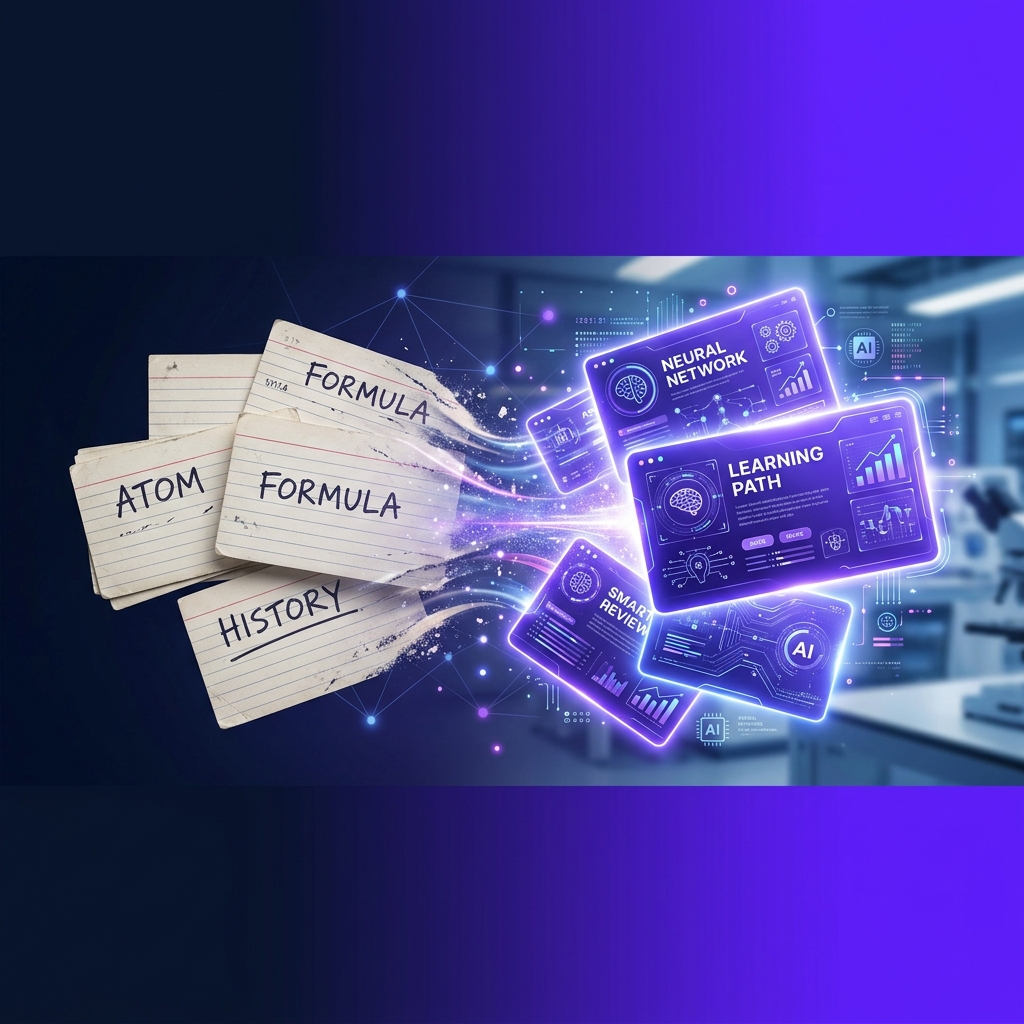
The Problem with Manual Note-Taking
We've all been there: You're in a fast-paced lecture, typing as fast as you can. You're so focused on catching every word that you aren't actually processing what the professor is saying. You've become a human typewriter, not a student.
By the time the lecture ends, you have a mess of bullet points that you "promise" to organize later. But you're exhausted, and that "later" never comes.
In 2026, the smartest students have a different strategy: Record now, structure later.
Step 1: Record Your Lecture (or Your Own Thoughts)
Use your smartphone to record the audio. Whether it's a live classroom lecture, a study group discussion, or even you reading your own messy handwritten notes aloud.
Pro-Tip: If you're recording a lecture, sit near the front. The cleaner the audio, the better the AI can transcribe technical terms.
Step 2: Upload to Atlas AI
Go to Atlas AI and upload your MP3, WAV, or M4A file. Unlike basic transcription tools that just give you a "wall of text," Atlas AI uses a specialized Education Model to parse the audio.
What happens next:
- •Transcription: The AI converts the speech to text with 99% accuracy.
- •Diarization: (Coming soon) Atlas identifies when different speakers are talking.
- •Structuring: The AI identifies headings, subheadings, and key definitions.
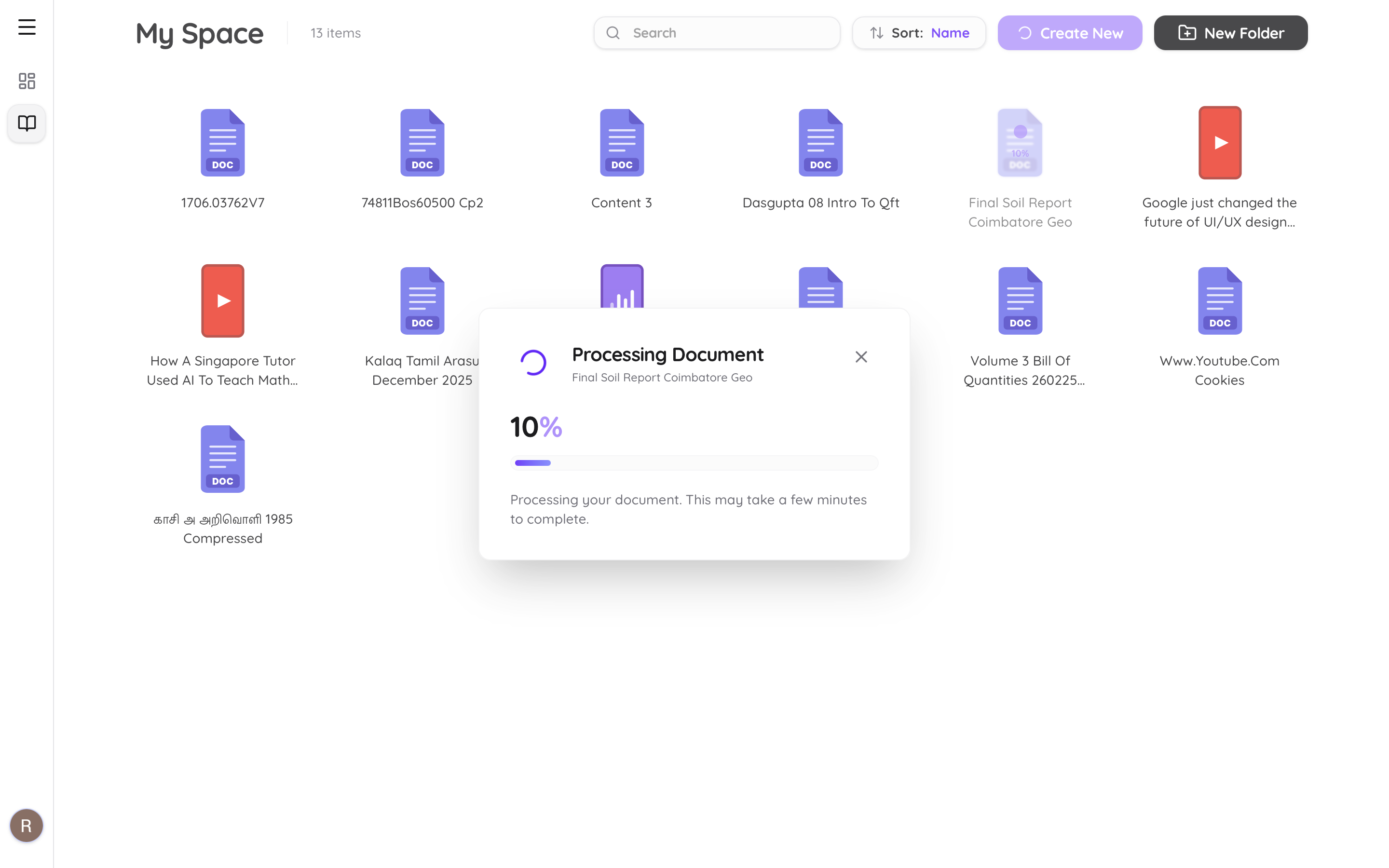
Step 3: From Wall of Text to Study Guide
Once the transcription is complete, Atlas AI automatically generates a structured study guide.
It doesn't just list what was said; it organizes it:
- •Main Concepts: The core ideas discussed.
- •Key Vocabulary: Important terms and their definitions.
- •Action Items: Things you need to look up or practice.
Step 4: Generate Interactive Review Tools
This is where the magic happens. From your single audio recording, you can now generate:
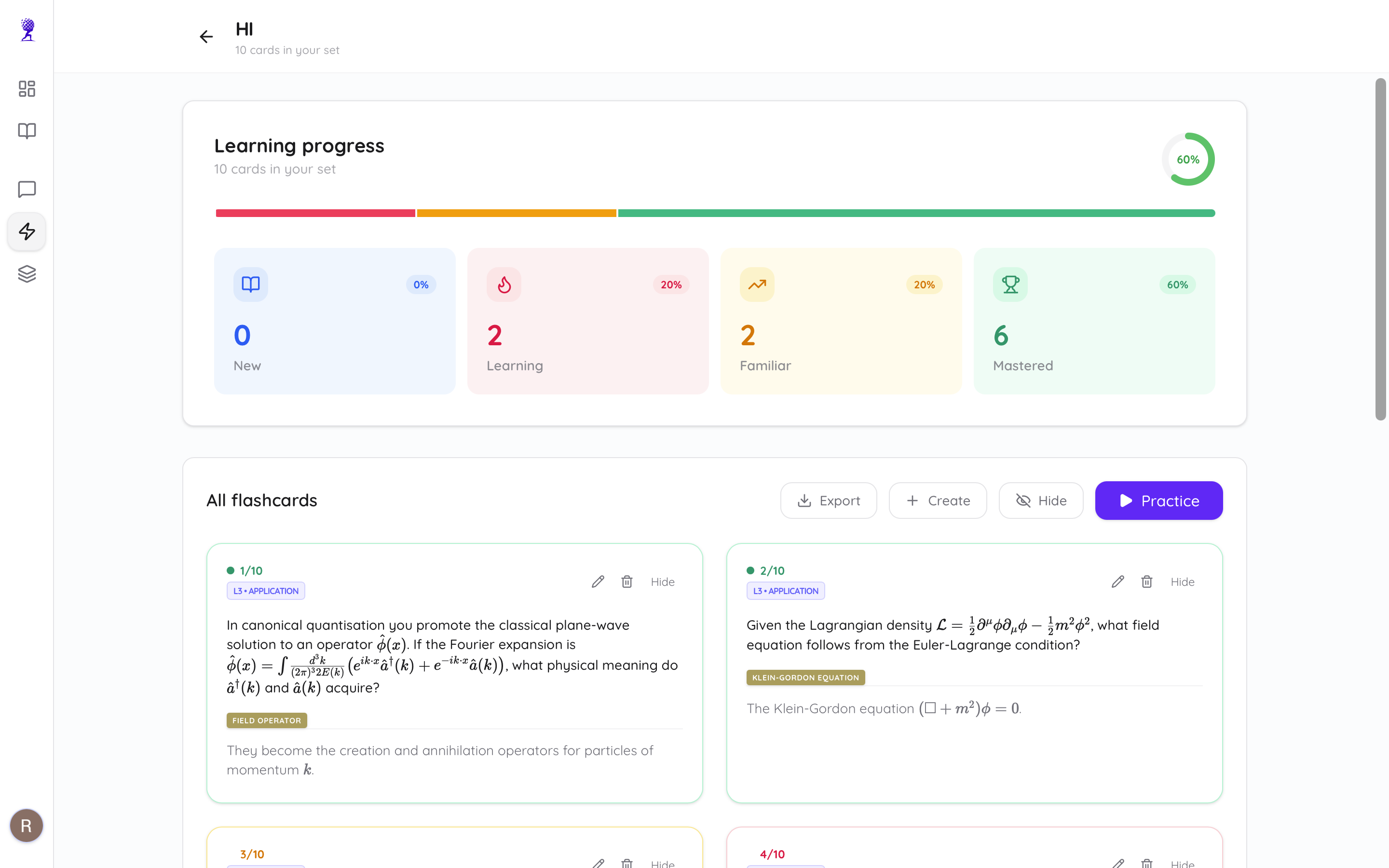
- • AI Flashcards: Instantly create spaced repetition cards for every key term mentioned in the lecture.
- • Practice Quizzes: Test your memory with automatically generated quizzes based on the audio content.
- • Chat with your Lecture: Use the AI Chat to ask follow-up questions like, "The professor mentioned the Doppler Effect, can you explain that in more detail?"
Why This Workflow Wins
- • Be Present: You can actually listen and engage with the material during the lecture because you aren't worried about missing a word.
- • Consistency: Every lecture is turned into the same high-quality note format.
- • Speed: You go from "recorded audio" to "flashcards and notes" in under 2 minutes.
Conclusion: Stop Typing, Start Learning
Your cognitive energy is limited. Don't waste it on the manual labor of typing. Use AI to handle the data entry so you can focus on active recall and deep understanding.
Whether you're recording a complex science lecture or just talking through your own ideas for a history paper, Atlas AI is the ultimate bridge between "hearing" and "learning."
Ready to turn your voice into grades? Try Atlas AI free today →